
Mass monitoring round-trip flight prices using Google Flights
The most useful feature in Google Flights is this table called Date grid that shows you all the prices in a 7x7 grid. With this, I can monitor 49 round trip prices at once.
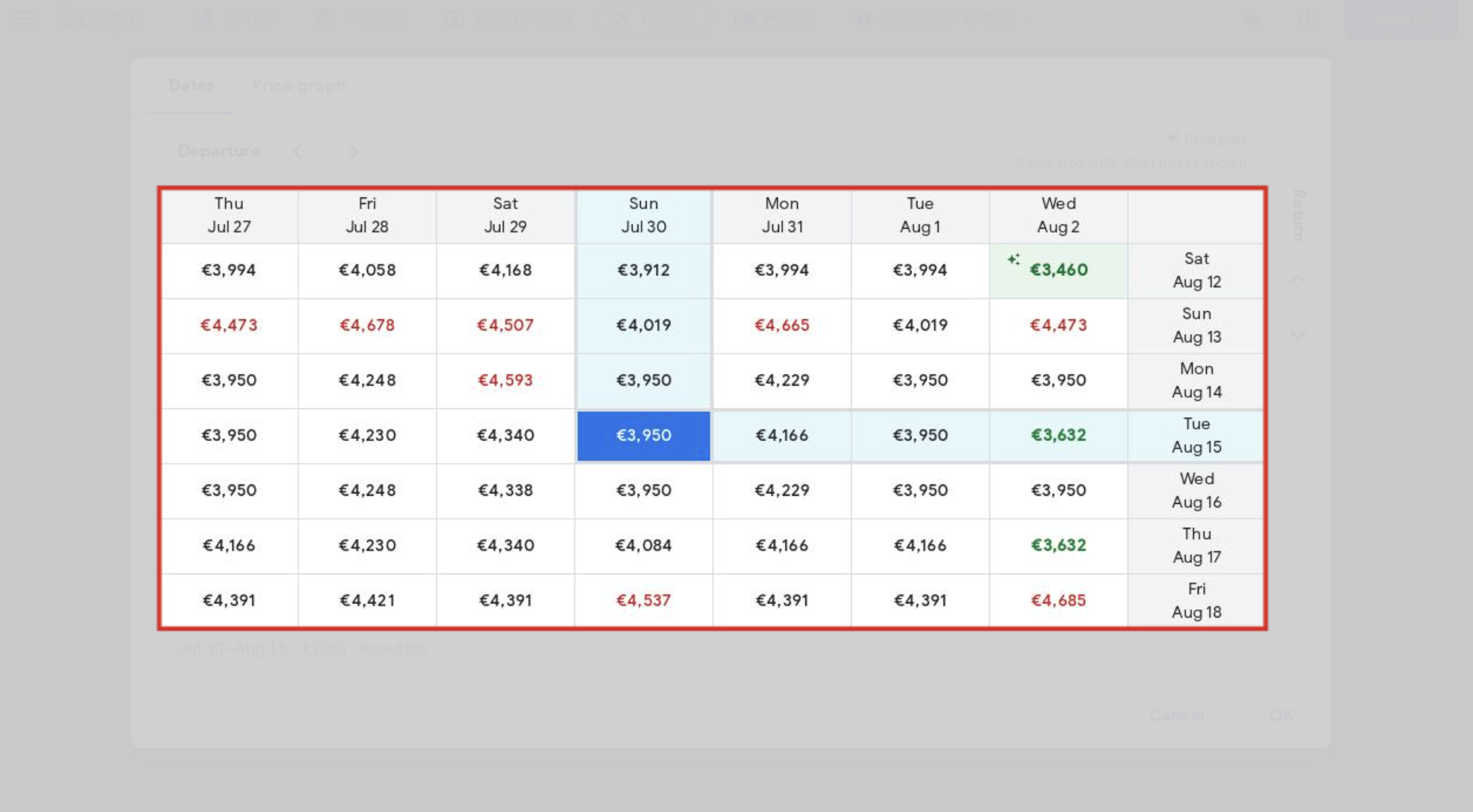
Assuming you have a target date range for your travel, you can then set your flights dates like this to control the Date grid boundaries.
Outbound flight: Earliest date + 3 days, e.g. July 27 + 3 days = July 30
Return flight: Latest date - 3 days, e.g. August 18 - 3 days = August 15
Now to monitor this and notify me when there are changes, I use this tool https://changedetection.io/
This is how it will look in ChangeDetection.io:
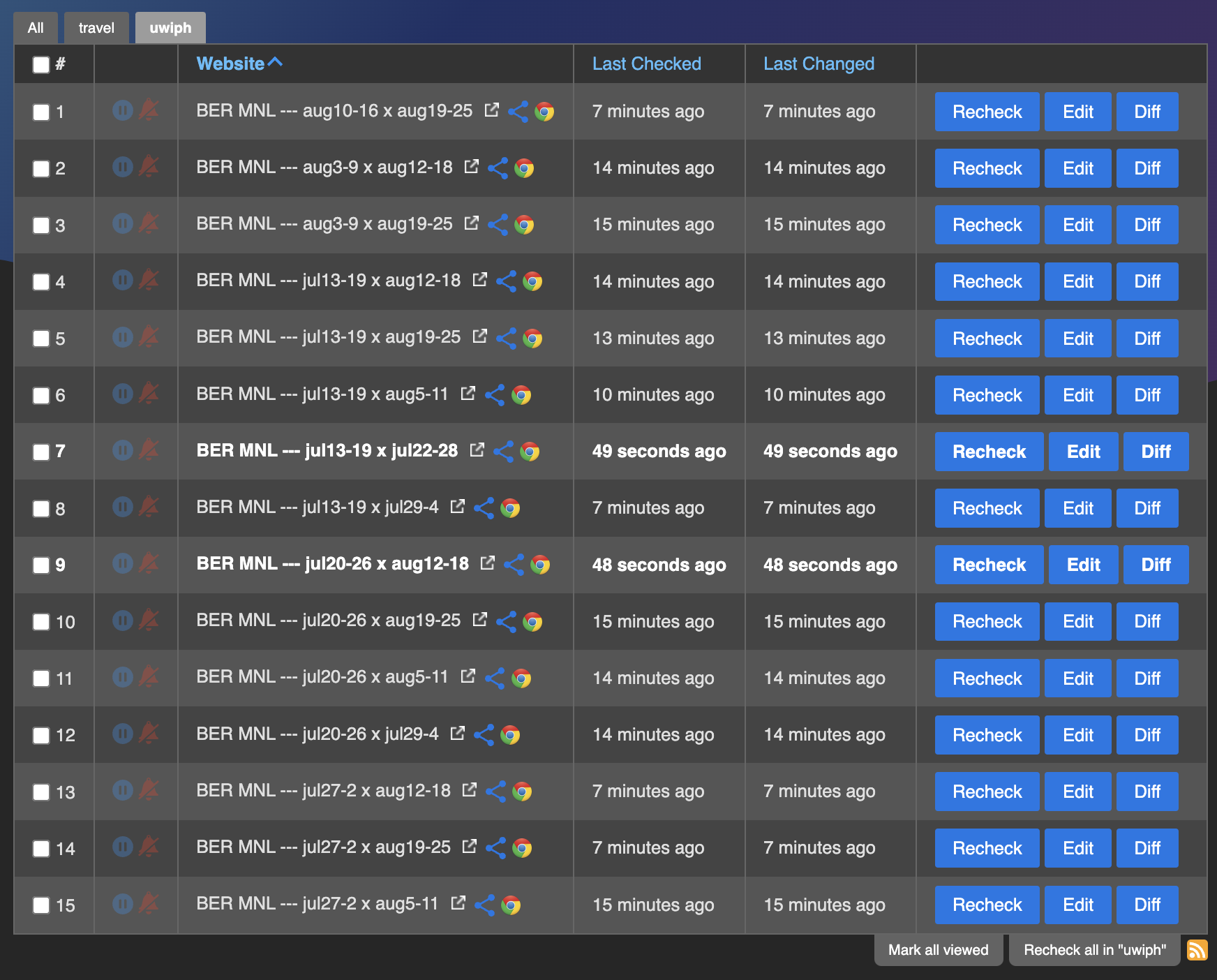
I have target range of dates and I divide them into 7 day segments. I create unique URLs in Google flights manually for each of these target dates. Example is https://www.google.com/travel/flights/search?tfs=CBwQAhovagcIARIDQkVSagcIARIDUVBQEgoyMDIzLTA3LTIzcg0IAxIJL20vMDE5NXBkKAIaL2oNCAMSCS9tLzAxOTVwZBIKMjAyMy0wOC0xNXIHCAESA0JFUnIHCAESA1FQUCgCcAGCAQsI____________AUABQAFAAkACSAGYAQE&curr=EUR
Use this URL https://changedetection.io/share/aniVVijLKqga when creating a new change detection watch and just update the URL in the edit screen to match your preferences.
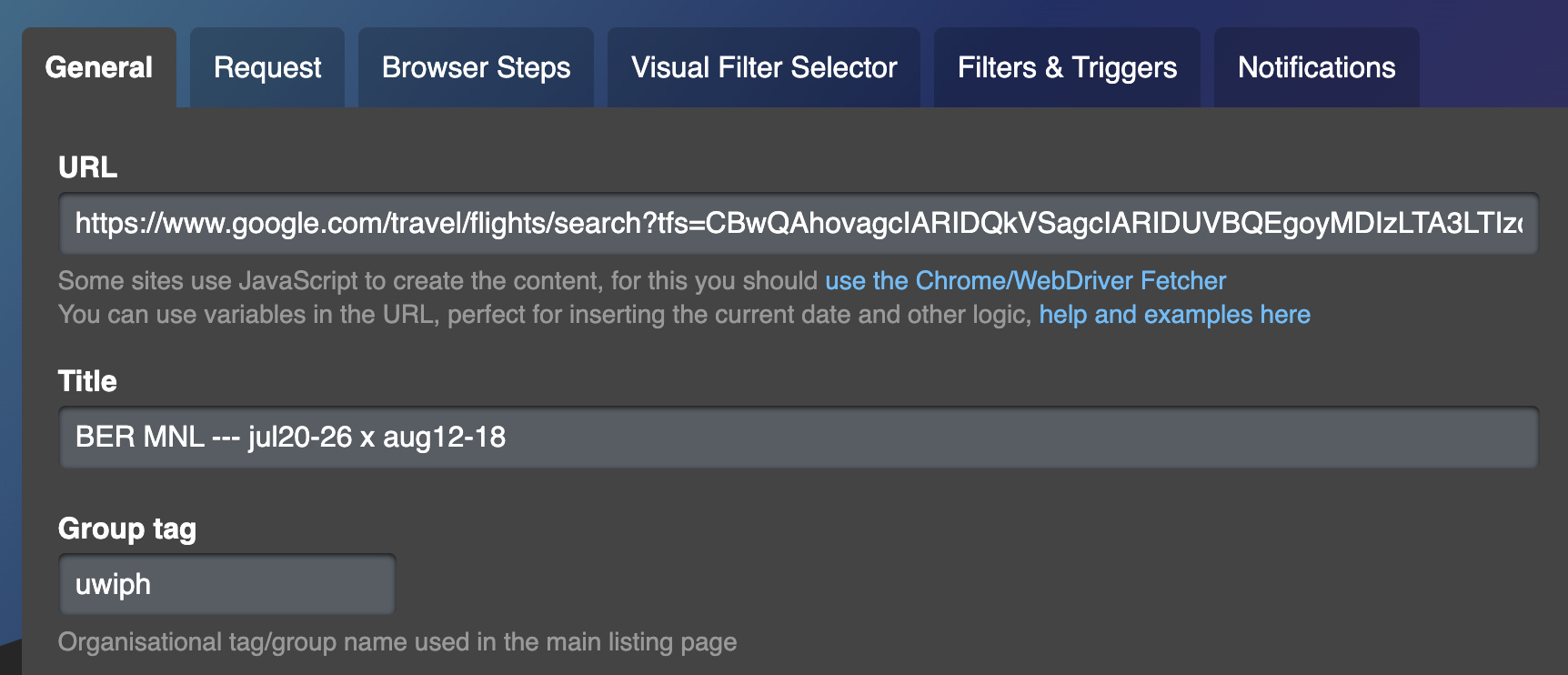
After you've setup notifications, you can save the monitor and that's it.